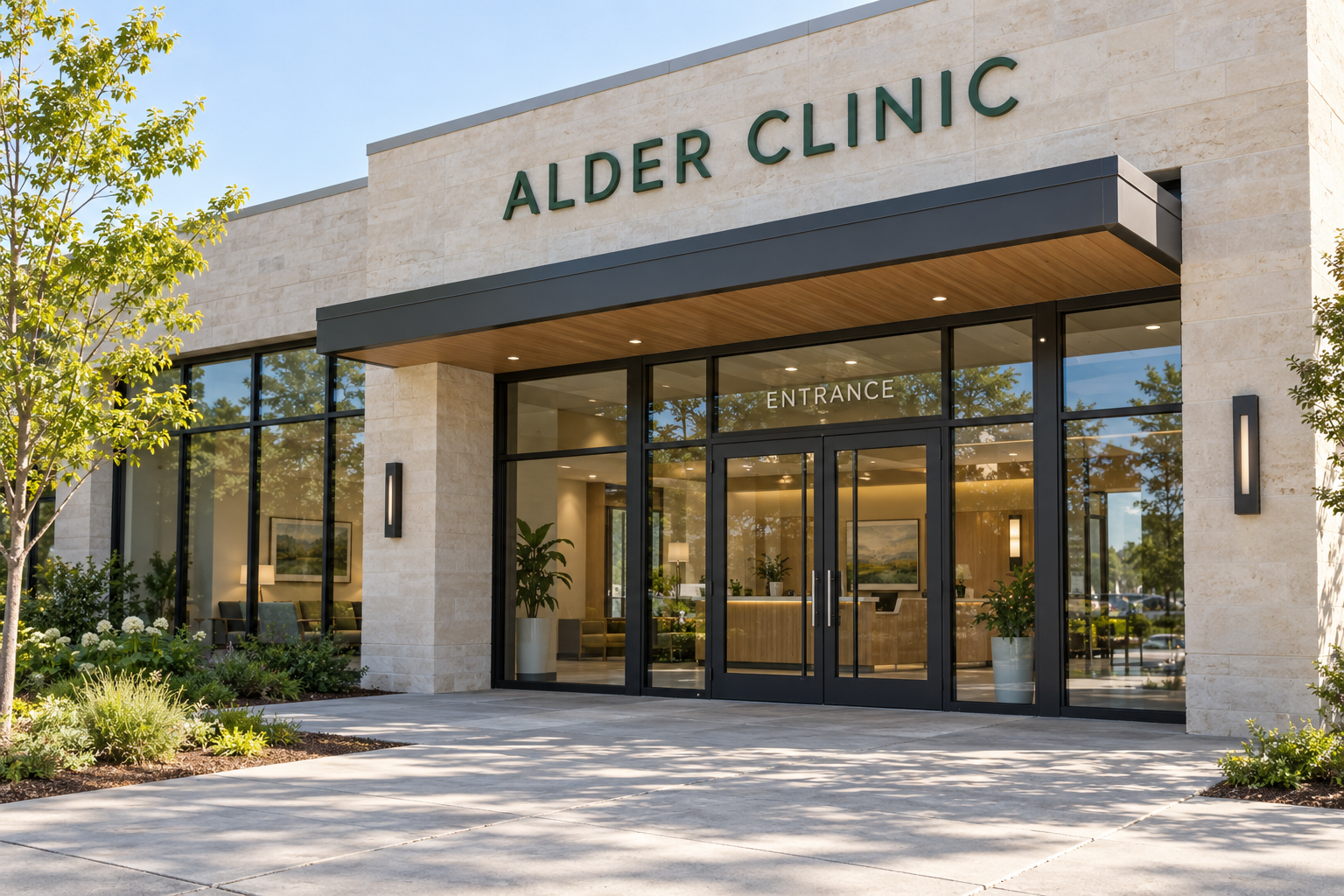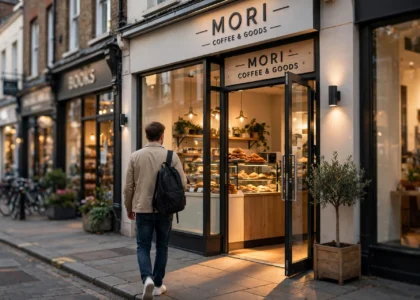
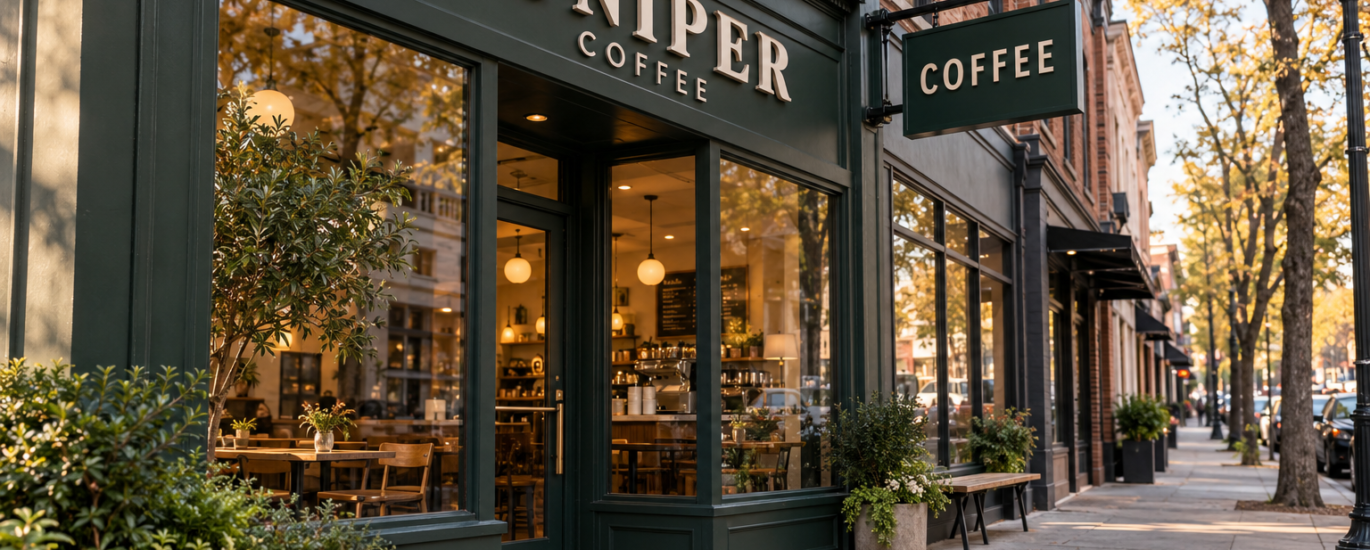
The espresso machine is ordered. The menu is taking shape. The paint color has finally been chosen. Before opening day, there is another journey worth walking through: the one a customer takes from noticing your café to finding the door and placing an order.
For a new coffee shop, that journey involves the storefront, windows, entrance, counter and online information. Reviewing them together gives you a practical way to spot gaps while there is still time to make changes.
Use these seven checks before you approve your signage and announce your launch.
Key takeaway
Opening a café? Before launch day, run seven storefront checks: make your offer clear from outside, review sign visibility from both approach directions, resolve permits before production, give your coming-soon window one clear next step, prepare your Google Business Profile, rehearse the entrance-to-pickup route, and compare complete supplier quotes — not just headline prices.
1. Make it clear what kind of place you are opening
Imagine that someone has never seen your Instagram account and knows nothing about your name. What would they understand from the outside?
An evocative name can be memorable, but it may need a simple descriptor. “Coffee & pastries” communicates something different from “Coffee, breakfast & lunch.” Choose wording that reflects what you will actually serve. Avoid squeezing your entire menu onto the main sign.
Try this: show a storefront mockup to someone unfamiliar with the project. Ask what they expect to find inside. If their answer differs from your concept, revise the message before ordering.
2. Review the sign from the customer’s approach
Walk toward the premises from both sidewalk directions and from any relevant parking entrance. Note where your business first becomes visible and what may block the view.
The International Sign Association identifies size, sign angle, location, luminance and contrast as important visibility factors. A useful review therefore goes beyond choosing a font or finish. Ask your designer to show the sign on photographs taken from real approach points, with the surrounding building included. [1]
A projecting sign may be worth discussing where people approach alongside the building. Its suitability depends on the site and applicable requirements. Revisit during your planned early-morning or evening hours so you can also discuss the lighting conditions.
3. Resolve site requirements before committing to production
Put sign approval into your opening plan alongside the other premises decisions. Ask the landlord what approvals are needed, and ask the relevant local authority about the rules for your proposed sign.
The U.S. Small Business Administration explains that license and permit requirements vary by activity and location. Treat a design you saw in another city as inspiration, rather than proof that the same installation is permitted at your address. [2]
Keep the approved dimensions, mounting location and relevant correspondence together. Clarify who is handling site measurements and installation before you finalize the order.
4. Give your coming-soon window a useful next step
A pre-opening window can introduce the business while work continues inside. Start with three questions: what is opening, when can neighbors expect it, and where can they get updates?
For a fictional example, “Juniper Coffee — coffee & fresh pastries — opening this fall” tells a passerby more than a logo alone. Pair that message with your real social handle or a short opening-update URL. If you use a QR code, test the printed version through the glass on more than one phone.
Use an opening window you can reasonably communicate. If the date changes, update the physical sign and online announcement together. Choose one clear next step instead of crowding the window with multiple competing requests.
5. Prepare your Google Business Profile before launch
Your physical storefront and online listing should tell the same story about your name, address and opening plans.
Google allows businesses that have not opened yet to set a future opening date. Its guidance says that after the date is entered and the business is verified, the profile can appear 90 days before opening. That creates a useful opportunity to share genuine progress photos and opening updates. [3]
Prepare a short description, accurate location details and recognizable exterior photos. Check the profile again when your opening plans change. Do not present the café as already operating if the doors are still closed.
6. Walk the route from entrance to pickup
During a practice service, invite someone who has not helped design the café to enter, find the menu, order and collect a drink. Observe where they hesitate before offering directions.
Their questions can help you decide whether you need an entrance cue, a clearer menu position or a small pickup sign. Assign each sign a specific job. A greeting, a menu, an ordering instruction and a promotional offer do not all need to occupy the same surface.
Check that any added graphics work with the layout and leave the route comfortable to navigate. Discuss access requirements with the people responsible for your premises design rather than treating decorative signage as a substitute for them.
7. Compare complete sign proposals, not just the headline price
Ask each supplier to make the scope clear: dimensions, material and finish, illumination if relevant, mounting method, artwork approval, delivery arrangements and what installation work is included or excluded.
Create a simple comparison sheet. A lower product price may describe a different scope, so resolve the differences before choosing. For an overseas order, ask who handles the delivery and import arrangements rather than assuming they are included.
Give your sign maker a useful brief: logo files, frontage photographs, approximate available dimensions, your city and state, opening plans and the main task the sign must perform. A clear brief makes the conversation more productive.
Your final pre-opening walkthrough
Before you call the storefront finished, check these five things:
- The business name and offer are clear from outside.
- Your approach, entrance and pickup points have been reviewed.
- Site approvals and the supplier’s scope are understood.
- The window announcement matches your online opening information.
- Someone unfamiliar with the café has tried the arrival and ordering journey.
Opening a café involves hundreds of decisions. Giving the storefront and customer arrival their own review helps you make the first visit easier to understand.
Planning your café signage? Send London Street Signs your logo, a frontage photo, approximate dimensions and your US city/state to discuss your project: londonstreetsigns.co.uk.
Frequently asked questions
What should a café sign include?
At minimum, the business name plus a short descriptor of what you serve — for example “coffee & pastries”. Avoid crowding the main sign with your full menu; the descriptor should match what a first-time visitor will actually find inside.
How do I check whether my café sign will be visible?
Walk toward the premises from both sidewalk directions and any parking entrance, note where the name first becomes visible, and photograph those approach points. Ask your designer to show the proposed sign on those photos at a realistic scale, and revisit during your planned opening hours to check lighting conditions.
Do I need permission for my café sign?
Often yes. Ask your landlord what approvals are needed and check with your local authority about the sign rules for your address — requirements vary by location, so a design approved in another city is not proof that yours is permitted.
What should a coming-soon window say?
Answer three questions: what is opening, when neighbors can expect it, and where they can follow updates. Pair the message with your real social handle or a short URL, and give people one clear next step rather than several competing requests.
Sources
[1] International Sign Association — Factors of Sign Effectiveness: https://signs.org/resources-training/signs101/buying-a-sign/factors-of-sign-effectiveness/
[2] U.S. Small Business Administration — Launch Your Business, licenses and permits: https://www.sba.gov/counseling/launch-your-business/
[3] Google Business Profile Help — Add a business opening date: https://support.google.com/business/answer/9174409?hl=en